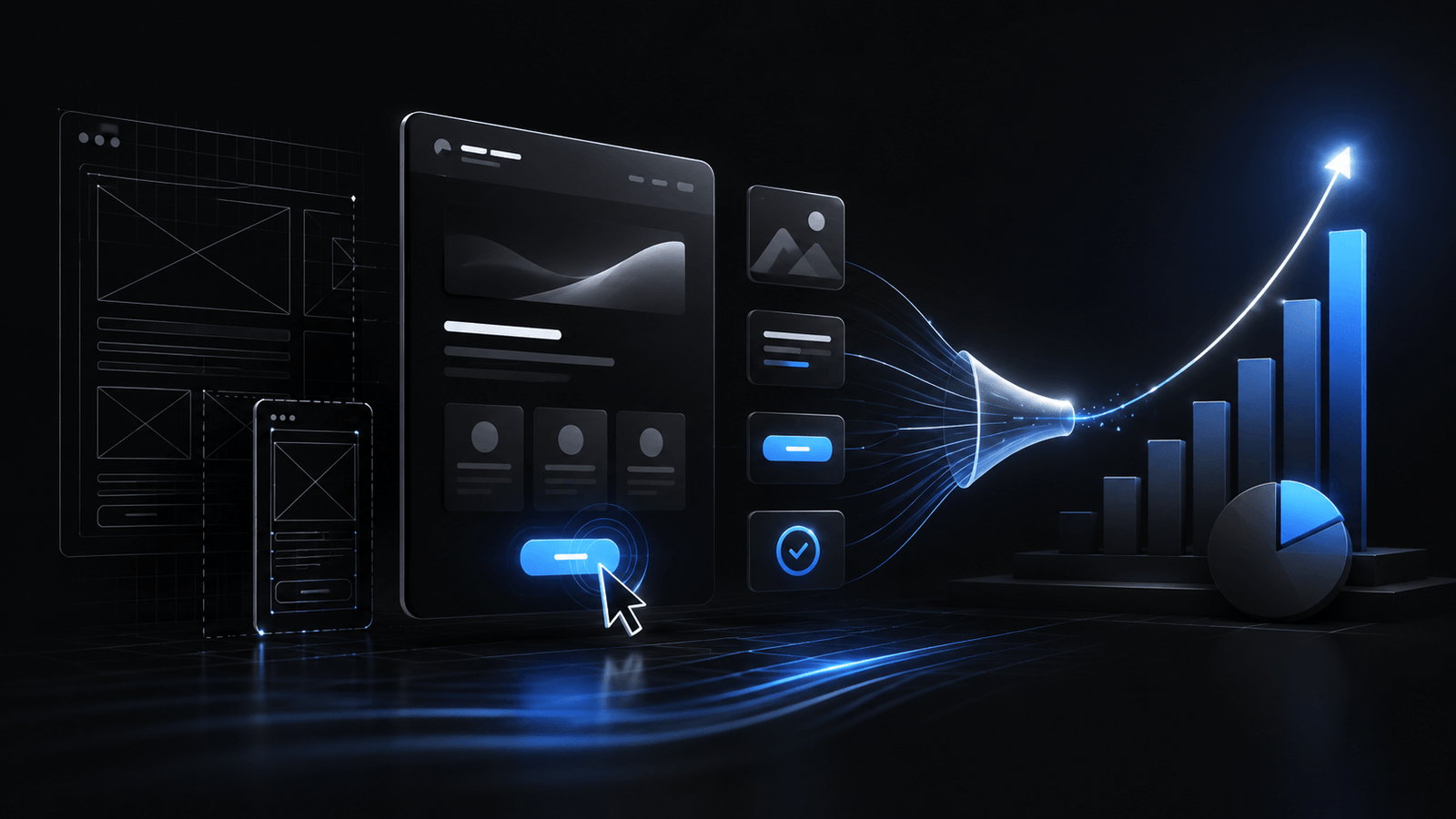
Beautiful websites that don’t convert are expensive art projects. Every design decision should serve a goal — whether that’s a signup, a purchase, a demo request, or a content download.
That line gets pushback from designers who think conversion-focused work somehow means ugly, aggressive, or manipulative design. It doesn’t. The best-converting pages on the internet are also, usually, the most beautifully considered. The difference is that every pixel on them is doing a job. Nothing is there for decoration. Nothing is there because the designer liked it. Every element earns its place by contributing to the user’s path toward the goal.
These seven principles are grounded in behavioural psychology and backed by data from thousands of A/B tests. They work across industries, audiences, and products. The work isn’t in discovering them — they’ve been documented for years. The work is in applying them consistently, resisting the temptation to add “just one more” element, and being honest about what’s actually moving the numbers.
1. One Page, One Goal
The most common conversion killer is giving users too many choices. When a page tries to drive signups AND promote a blog AND showcase three products AND collect newsletter subscribers, nothing gets enough attention.
Every additional choice on a page is a small cognitive tax. Users don’t consciously feel it, but they do act on it — they hesitate, they bounce, or they click the wrong thing. Paradoxically, giving people fewer options increases the likelihood they’ll take action, because they don’t have to weigh which one matters most.
The principle: Every page should have one primary action you want the user to take. Everything else is secondary.
In practice:
- Landing pages get one CTA, repeated 2-3 times
- Product pages focus on one conversion action (buy, trial, demo)
- Blog posts have one next step (related content, newsletter, or product page)
The data: Removing competing CTAs typically increases conversion rates by 20-30%.
2. Visual Hierarchy Directs Attention
Users don’t read websites — they scan. Their eyes follow a predictable pattern: large elements first, then high-contrast elements, then elements with white space around them.
The principle: Design your visual hierarchy to guide the eye toward the conversion action.
In practice:
- Make your headline the largest text on the page
- Give your CTA button high contrast against its background
- Use white space to isolate important elements
- Remove visual clutter that competes with the primary action
A useful exercise is to squint at your own landing page until the detail blurs out. What still stands out? If the CTA button disappears into the background but a stock photo pops, your visual hierarchy is pointing users at the wrong thing. This is one of the places where a designer’s instinct for balance can quietly hurt conversion — perfectly balanced pages are visually calm, but they don’t tell the eye where to go next.
3. Reduce Friction at Every Step
Every form field, every additional click, every moment of confusion is friction. Friction doesn’t just slow users down — it makes them leave.
The principle: Remove every unnecessary step between the user’s intent and the completed action.
In practice:
- Reduce form fields to the absolute minimum (name + email is often enough)
- Use single-page forms instead of multi-step when possible
- Pre-fill what you can (location, company name from email domain)
- Remove unnecessary navigation from landing pages
- Make the CTA button text specific (“Start Free Trial” not “Submit”)
The data: Reducing form fields from 11 to 4 increased conversions by 120% in one well-documented case study.
The friction audit is worth doing as a structured exercise, not just a gut-check. Walk through your own funnel as if you were a brand-new user seeing it for the first time. Count every click, every form field, every moment where you have to pause and think about what’s being asked of you. Each of those is a point where real users leak out of the funnel. Removing three of them will often produce a bigger lift than any redesign.
4. Social Proof Reduces Risk
People look to others when making decisions. Logos, testimonials, case studies, user counts, and reviews all signal “other people chose this and it worked.”
The principle: Show evidence that others have made the same decision the user is considering.
In practice:
- Display client logos near the hero section
- Place testimonials next to CTAs (reduces friction at the decision point)
- Show specific metrics (“50,000 teams use this” is better than “trusted by many”)
- Use real names, photos, and company names in testimonials
- Position social proof above the fold, not buried at the bottom
Specificity is what separates real social proof from the kind that readers have been trained to ignore. “Trusted by leading brands” is wallpaper — people skim past it. A quote from a named person at a named company, with their role and a concrete result, stops the scroll. The harder you work to make the proof feel earned, the more weight it carries.
5. Urgency and Scarcity Drive Action
Without a reason to act now, users bookmark the page and never return. Gentle urgency converts browsers into buyers.
The principle: Give users a reason to act today, not tomorrow.
In practice:
- Limited-time offers with real deadlines
- “X spots remaining” for services or cohorts
- Free trial countdown timers
- “Get started today” vs “Get started sometime”
Important: Fake urgency destroys trust. Only use genuine scarcity. If the offer is always available, don’t pretend it isn’t. Users can tell, and when they catch the manipulation, they stop trusting everything else on the page. The short-term lift from a fake countdown timer isn’t worth the long-term reputational cost, especially for any business that depends on repeat customers or word-of-mouth.
6. Copy Sells, Design Supports
Design gets attention. Copy closes the deal. The most beautifully designed page will fail if the words don’t communicate value clearly.
This is the principle that most sites get backwards. A page gets designed first, with placeholder headlines like “Hero Title Goes Here,” and copy is crammed into the design at the end. The result is copy that fits the layout but doesn’t actually persuade — every sentence has been shaped by the space available rather than the message it needed to carry.
The principle: Write conversion copy first, then design around it.
In practice:
- Headlines should communicate the primary benefit, not describe the product
- “Save 10 hours per week on reporting” beats “AI-Powered Analytics Dashboard”
- Use the user’s language, not your internal terminology
- Address objections directly on the page
- Keep paragraphs short — 2-3 sentences maximum
7. Speed Is a Feature
Slow pages don’t just frustrate users — they actively reduce conversions. Every additional second of load time costs you revenue.
The principle: Page speed is a conversion tool, not just a technical metric.
In practice:
- Target under 2 seconds for landing pages
- Optimize images aggressively
- Minimize third-party scripts
- Use a CDN
- Lazy load everything below the fold
The data: Portent found that pages loading in 1 second convert 3x better than pages loading in 5 seconds.
Putting It All Together
These principles compound. A page with clear visual hierarchy, one focused CTA, minimal friction, strong social proof, genuine urgency, benefit-driven copy, and fast load speed will dramatically outperform a page that’s missing even one of these elements.
Start with whatever is weakest on your current pages. The fastest way to improve conversions isn’t a redesign — it’s fixing the one principle you’re violating most. Look at your funnel, identify the single biggest leak, and fix that before touching anything else. A focused, targeted improvement usually beats a full rebuild, both in effort and in the clarity it gives you about what actually moves the numbers.
It also pays to measure each change in isolation. If you rebuild the hero, simplify the form, and rewrite the testimonials at the same time, you won’t know which change drove the improvement — and when something starts regressing later, you’ll have no way to know which element to revisit. Shipping changes one at a time is slower in the moment but much faster in the long run, because every change becomes a piece of learning you can apply to the next page.
The Bottom Line
Conversion-focused design isn’t about tricks or manipulation. It’s about removing barriers between your user and the value you offer. When the design serves the user’s goal as effectively as it serves yours, everyone wins. The most underrated outcome of a well-designed conversion flow is the quality of customer it produces. Pages that are clear, honest, and benefit-driven attract users who know what they’re signing up for — which means higher retention, lower refund rates, and better word-of-mouth. Pages that rely on pressure and ambiguity attract users who will churn the moment they realise what they’ve bought.

Bojan Zlatanović
Founder at Norvaris. Building digital products and writing about what actually works in product, engineering, and growth.
More from this author